How to Audit User Activity with Microsoft Purview: A Practical Guide to Using the Unified Audit Log in Microsoft 365

How to Audit User Activity with Microsoft Purview: A Practical Guide to Using the Unified Audit Log in Microsoft 365

How to Audit User Activity with Microsoft Purview

Most audit logs are treated like a black box—something you only open when there’s a problem. In this episode, I walk through how to use Microsoft Purview’s unified audit logs to proactively understand who is doing what in your tenant, across Exchange, SharePoint, OneDrive, Teams and more, instead of scrambling through exports after an incident.

We start with what the Purview audit log actually captures and how to turn it on correctly. You’ll learn which activities are logged by default, how retention works, and what you need to configure so critical actions—like mailbox access, file sharing, admin changes and label activity—are available when you need them. We also cover the differences between standard and premium audit, so you know when extended retention and more detailed events are worth the extra license cost.

Then we go step by step through building useful audit searches instead of one‑off queries. I show how to filter by user, workload, activity type and time range, how to save and reuse common queries, and how to export results in a way that’s actually workable for investigations and regular reviews. You’ll hear practical examples like “Which files did this user access before leaving the company?” or “Who changed these sharing policies last week?” and how to answer them quickly with Purview.

Finally, we connect auditing to ongoing monitoring and compliance. We talk about handing off saved queries to security or compliance teams, wiring audit exports into tools like Power BI or SIEM for trend analysis, and setting basic expectations around who reviews what and how often. By the end, you’ll be able to move from “we hope the logs are there if something happens” to a predictable way of using Purview audit as part of your regular security and compliance routine.

WHAT YOU’LL LEARN
  • What Microsoft Purview audit logging captures across M365 workloads and how to enable it properly.
  • The differences between standard and premium audit (including retention and depth of events).
  • How to build and reuse practical audit searches for investigations and regular checks.
  • How to plug audit data into ongoing monitoring instead of only using it after incidents.
THE CORE INSIGHT

The core insight of this episode is that audit logs are not just forensic evidence for worst‑case scenarios—they’re a continuous signal of how your environment is actually being used. Once you treat Purview audit as a regular input into security and compliance work, you gain visibility and patterns early, instead of discovering risky behavior only after something goes wrong.

WHO THIS EPISODE IS FOR
  • Security and compliance teams who rely on M365 logs for investigations and evidence.
  • Microsoft 365 admins who want a clearer understanding of who is doing what in their tenant.
  • IT leaders who need a practical, non‑overwhelming way to bring audit review into regular operations.
ABOUT THE AUTHOR / HOST

Mirko Peters is a Microsoft 365 security and compliance consultant and host of the M365.FM podcast, helping organizations turn underused logging and audit features into everyday visibility and evidence for security and governance. He works with IT, security and compliance teams to design audit strategies, saved queries and reporting so “check the logs” becomes a reliable habit instead of a last‑minute panic.

Become a supporter of this podcast: https://www.spreaker.com/podcast/m365-fm-modern-work-security-and-productivity-with-microsoft-365--6704921/support.

Denne episoden er hentet fra en åpen RSS-feed og er ikke publisert av Podme. Den kan derfor inneholde annonser.

Episoder(722)

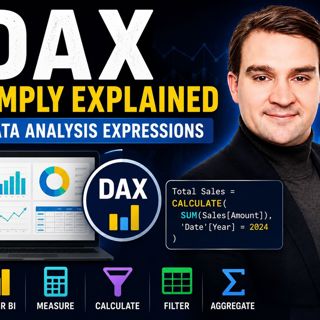
Data Analysis Expressions (DAX) - Simply Explained

Data Analysis Expressions (DAX) - Simply Explained

If you've spent any time working with Power BI, you've almost certainly heard about DAX. Some people describe it as "Excel formulas for Power BI," while others treat it like a complex programming lang...

14 Jul 15min

Graph API - Simply Explained

Graph API - Simply Explained

Microsoft Graph API is one of the most important technologies in the Microsoft ecosystem, yet it's often misunderstood. Is it a database? A service? Or simply another developer tool? In this episode o...

13 Jul 12min
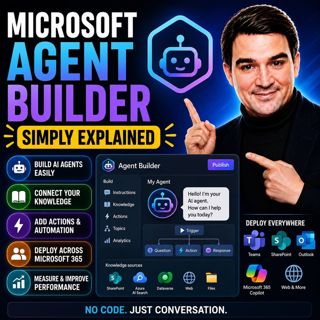
Microsoft Agent Builder — Simply Explained

Microsoft Agent Builder — Simply Explained

Building AI agents used to require developers, code, and complex AI platforms. Microsoft Agent Builder changes that completely. Built directly into Microsoft 365 Copilot, Agent Builder allows anyone t...

13 Jul 15min
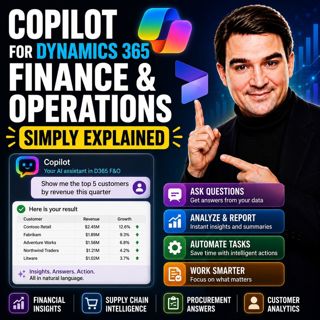
Copilot for Dynamics 365 Finance and Operations - Simply Explained

Copilot for Dynamics 365 Finance and Operations - Simply Explained

Finance teams have never struggled with a lack of data—they struggle with the time it takes to find, organize, analyze, and act on that information. Traditional ERP workflows often require switching b...

13 Jul 11min

AI Under Attack: Building Zero Trust Security with Microsoft Copilot, Azure & Microsoft 365 - Mourtaza Fazlehoussen [MVP]

AI Under Attack: Building Zero Trust Security with Microsoft Copilot, Azure & Microsoft 365 - Mourtaza Fazlehoussen [MVP]

Artificial intelligence is transforming cybersecurity faster than any technology before it. But while AI helps defenders automate investigations and respond to incidents faster, it also gives cybercri...

13 Jul 1h 1min
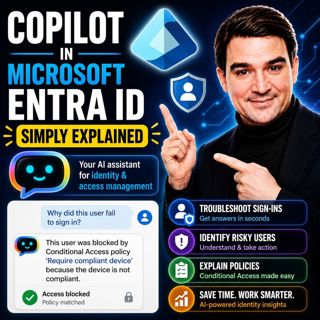
Copilot in Microsoft Entra ID - Simply Explained

Copilot in Microsoft Entra ID - Simply Explained

Managing identities has become one of the most challenging responsibilities for modern IT teams. Every day, organizations process thousands of sign-ins, evaluate Conditional Access policies, detect ri...

13 Jul 14min

Copilot for Microsoft Fabric - Simply Explained

Copilot for Microsoft Fabric - Simply Explained

Microsoft has several Copilots, but each one serves a completely different purpose. Microsoft 365 Copilot helps you write documents and summarize meetings. GitHub Copilot helps developers write code. ...

13 Jul 11min

Platform Engineering: The New Operating Model for Azure

Platform Engineering: The New Operating Model for Azure

DevOps changed how software is built, but it didn't eliminate complexity—it simply redistributed it. As organizations adopted cloud platforms, Infrastructure as Code, containers, and CI/CD pipelines, ...

13 Jul 1h 16min

Populært innen Politikk og nyheter

giver-og-gjengen-vg
aftenpodden-usa
aftenpodden
fotballpodden-2
popradet
forklart
stopp-verden
det-store-bildet
hanna-de-heldige
rss-gukild-johaug
rss-ness
nokon-ma-ga
dine-penger-pengeradet
aftenbla-bla
lydartikler-fra-aftenposten
rss-utenrikskomiteen-med-bogen-og-grasvik
e24-podden
ta-dokumentar
rss-espen-lee-usensurert
rss-borsmorgen-okonominyhetene