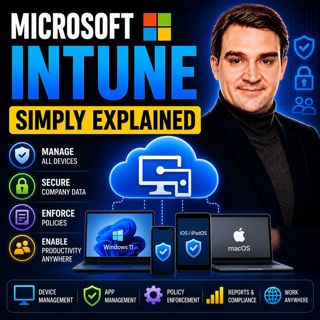

Microsoft Intune - Simply Explained
Microsoft Intune is Microsoft's cloud-based endpoint management platform that allows organizations to securely manage laptops, desktops, smartphones, tablets, and applications from a single web-based console. Instead of IT teams manually configuring every device, Intune automatically deploys security settings, installs business applications, enforces compliance policies, and protects corporate data regardless of where employees are working. Whether devices run Windows, macOS, iOS, Android, or selected Linux distributions, Intune enables modern device management without relying on traditional on-premises infrastructure.

WHY MODERN DEVICE MANAGEMENT MATTERS
The workplace has changed dramatically. Employees now work from home, travel frequently, and often use personal devices alongside company-owned hardware. Traditional management tools required devices to be connected to the corporate network before receiving updates or security policies, making remote work difficult and increasing security risks. Microsoft Intune replaces this outdated model with cloud-native management. Devices communicate directly with Microsoft's cloud from anywhere in the world, allowing IT administrators to deploy applications, enforce security policies, monitor compliance, and respond to threats without ever physically touching the device.

HOW MICROSOFT INTUNE WORKS
Everything begins with device enrollment. Company-owned Windows devices can be deployed using Windows Autopilot, allowing employees to receive a brand-new laptop, sign in with their work account, and have the entire device automatically configured. Apple devices integrate with Apple Business Manager, while Android and iOS devices support secure enrollment for both corporate and personal devices. Once enrolled, Intune applies configuration policies, deploys applications like Microsoft 365, Teams, and Outlook, enforces security settings such as BitLocker encryption and password requirements, and continuously evaluates device health through compliance policies. If a device becomes non-compliant, access to company resources can be restricted automatically until the issue is resolved.

PROTECTING COMPANY DATA WITHOUT INVADING PRIVACY
One of Intune's most powerful capabilities is Mobile Application Management (MAM). Instead of controlling an employee's entire personal phone, Intune manages only corporate applications such as Outlook, Teams, and OneDrive. Organizations can prevent users from copying company information into personal apps, block downloads to personal storage, require PIN protection, and remotely remove only business data if an employee leaves the company or loses their device. Personal photos, messages, contacts, and applications remain completely untouched, making Bring Your Own Device (BYOD) practical while maintaining strong corporate security.

INTUNE, ENTRA ID, AND ZERO TRUST SECURITY
Microsoft Intune becomes even more powerful when combined with Microsoft Entra ID and Conditional Access. Intune continuously reports whether a device is healthy, encrypted, fully updated, and compliant with corporate security policies. Conditional Access then combines this information with user identity before allowing access to Microsoft 365 services such as Outlook, Teams, and SharePoint. Even if a user enters the correct password and completes Multi-Factor Authentication, access can still be blocked if the device fails compliance checks. This device-aware authentication model forms a core component of Microsoft's Zero Trust security strategy, ensuring that both the user and the device must be trusted before sensitive business data becomes accessible.

WHEN SHOULD YOU USE MICROSOFT INTUNE?
Microsoft Intune is the ideal solution for organizations embracing hybrid work, remote employees, cloud-first IT, and modern endpoint security. It simplifies device deployment, reduces administrative overhead, supports Bring Your Own Device programs, strengthens security through centralized policy enforcement, and integrates seamlessly with Microsoft Defender, Microsoft Entra ID, Microsoft 365, and Security Copilot. Whether managing a small business with dozens of devices or a global enterprise with hundreds of thousands of endpoints, Intune provides a scalable, cloud-native platform that helps IT teams deliver secure, productive, and consistent user experiences across every device employees use.

Become a supporter of this podcast: https://www.spreaker.com/podcast/m365-fm-modern-work-security-and-productivity-with-microsoft-365--6704921/support.

Det här avsnittet är hämtat från ett öppet RSS-flöde och publiceras inte av Podme. Det kan innehålla reklam.

Avsnitt(792)

Microsoft Fabric OneLake - Simply Explained

Microsoft Fabric OneLake - Simply Explained

Microsoft Fabric OneLake is the unified storage layer at the heart of Microsoft Fabric, designed to eliminate one of the biggest challenges in modern analytics: data duplication. Instead of every depa...

17 Juli 14min
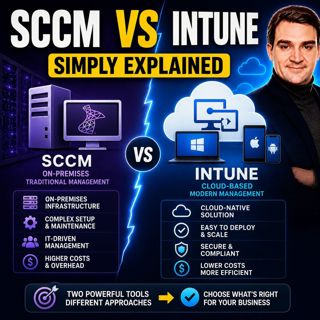
SCCM vs Intune - Simply Explained

SCCM vs Intune - Simply Explained

SCCM (System Center Configuration Manager), now officially known as Microsoft Endpoint Configuration Manager (MECM), and Microsoft Intune are two of Microsoft's most important endpoint management solu...

17 Juli 16min
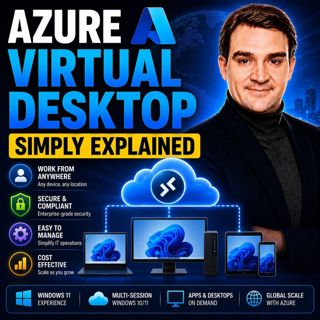
Azure Virtual Desktop - Simply Explained

Azure Virtual Desktop - Simply Explained

Azure Virtual Desktop (AVD) is Microsoft's cloud-based desktop virtualization platform that delivers a complete Windows desktop and business applications securely from Azure to virtually any device. I...

17 Juli 18min
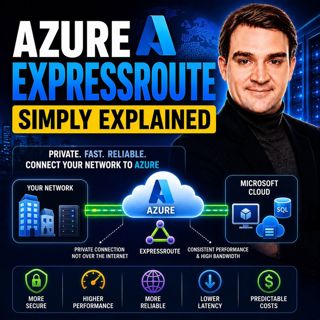
Azure ExpressRoute - Simply Explained

Azure ExpressRoute - Simply Explained

Azure ExpressRoute is Microsoft's private network connection service that links your on-premises infrastructure directly to Microsoft's global cloud network without using the public internet. Instead ...

17 Juli 13min
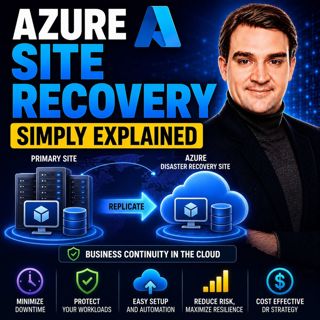
Azure Site Recovery - Simply Explained

Azure Site Recovery - Simply Explained

Azure Site Recovery (ASR) is Microsoft's disaster recovery service designed to keep your business running when an entire server, data center, or Azure region becomes unavailable. Instead of simply bac...

17 Juli 14min
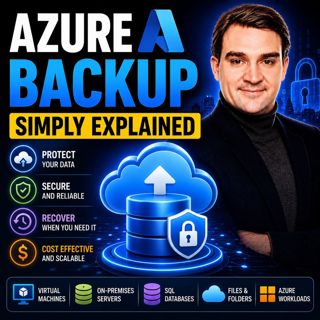
Azure Backup - Simply Explained

Azure Backup - Simply Explained

Azure Backup is Microsoft's fully managed cloud backup service that protects your virtual machines, databases, file shares, disks, and even on-premises servers without requiring backup servers, tapes,...

17 Juli 16min
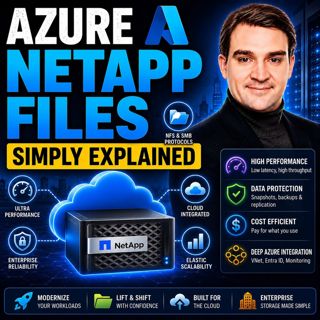
Azure NetApp Files - Simply Explained

Azure NetApp Files - Simply Explained

Azure NetApp Files (ANF) is Microsoft's enterprise-grade, ultra-high-performance file storage service built directly into Azure. Powered by NetApp's industry-leading storage technology, ANF delivers s...

17 Juli 15min

Populärt inom Politik & nyheter

aftonbladet-krim
svenska-fall
p3-krim
rss-krimstad
tv4-nyheterna-story
aftonbladet-daily
flashback-forever
rss-sanning-konsekvens
motiv
de-fyras-gang
rss-krimreportrarna
mannen-utan-spar
rss-vad-fan-hande
rss-frandfors-horna
spar
rss-flodet
rss-aftonbladet-krim
politiken
olyckan-inifran
krimmagasinet

















