
Copilot’s Data Blindness: How to Build a Custom Enterprise Agent That Sees Your Real Systems

Copilot’s Data Blindness: How to Build a Custom Enterprise Agent That Sees Your Real Systems

(00:00:00) Copilot's Blindness and the Solution
(00:00:35) The Limitations of Out-of-the-Box Copilot
(00:01:35) Grounding Copilot with Knowledge and Tools
(00:03:12) Building a Custom Agent in Copilot Studio
(00:04:10) Configuring Tools and Orchestration Rules
(00:06:50) Implementing Governance and Safety Measures
(00:08:11) Toolkit for VS Code: Surgical Precision
(00:09:01) Implementing the Plugin and Function
(00:14:20) Pairing Studio with Toolkit for Best Results
(00:18:10) Licensing and Security Considerations

Microsoft 365 Copilot doesn’t know your business — it only knows the tiny slice of your work graph it can see: Outlook threads, Teams chats, and SharePoint files. Everything that actually runs the company — Salesforce, ServiceNow, line-of-business APIs, ERP, ticketing, pipelines, incidents — is invisible by default. In this episode of m365.fm, Mirko Peters shows how to fix Copilot’s “data blindness” by building a governed enterprise agent that can see and act on your real systems without breaking security, compliance, or audit.

WHY “HELPFUL” COPILOT BEHAVIOR TURNS INTO RISK

Copilot is not malicious; it is constrained. When it cannot see core systems, it fills gaps with partial context, stale documents, or user-provided guesses. That’s where hallucinations, bad summaries, and missing insights come from. Mirko breaks down why “out-of-the-box” Copilot is blind by design, what that means for decision support in sales, support, and operations, and why you should treat visibility as an architecture problem — not a prompt engineering trick.

THE ENTERPRISE AGENT PATTERN: GIVING COPILOT REAL SIGHT

This episode introduces a practical pattern: a custom enterprise agent that sits between Copilot and your systems of record. Instead of letting Copilot guess, you give it governed tools it can call: Salesforce queries, ServiceNow ticket lookups, internal API calls, and curated knowledge sources. You control exactly what it can see, how it can act, and what it must cite in every answer. The result is an agent that sees, reasons, and acts — but inside your rules.

PATH 1 — COPILOT STUDIO: FAST, DECLARATIVE, GOVERNED

With Copilot Studio, you design a declarative agent that:
  • Grounds itself on selected knowledge sources (SharePoint libraries, internal docs, URLs).
  • Connects to Salesforce, ServiceNow, and internal APIs via approved connectors and tools.
  • Follows strict instructions to cite sources, refuse to guess, and ask clarifying questions.
  • Logs and audits every tool call while obeying DLP and identity boundaries.
Mirko walks through how to define the agent’s mission, configure knowledge priority, wire tools, and set orchestration rules so that “renewal questions go to Salesforce,” “incident queries go to ServiceNow,” and “limits and pricing come from a single governed API.”

PATH 2 — TEAMS TOOLKIT FOR VS CODE: PRO-DEV PRECISION

When you need stricter control, Teams Toolkit gives you pro-dev power:
  • OpenAPI-based Copilot plugins with explicit request/response schemas.
  • Backend handlers that call Salesforce, ServiceNow, and internal endpoints with validation.
  • Normalized JSON outputs designed for reliable AI consumption.
  • Policy-aware middleware, Managed Identity, Key Vault, logging, and SLAs in Azure.
Here, Copilot only acts through hardened, auditable endpoints you own. Mirko explains when to reach for this pattern: performance-sensitive actions, complex business rules, and regulated environments where every field and side effect must be provable.

STUDIO VS TOOLKIT — HOW THEY FIT TOGETHER

Instead of choosing one, the episode recommends a hybrid approach:
  • Use Copilot Studio for orchestration, routing, experience, and high-level logic.
  • Use Teams Toolkit for the critical “truth services” that require strict schemas and control.
  • Let Studio call the Toolkit-based tools, so makers and pro-dev share one architecture.
That way, you keep speed and flexibility without losing deterministic behavior, auditability, or least-privilege access.

ENTERPRISE CONSTRAINTS THAT MAKE OR BREAK YOUR BUILD

Mirko also covers the invisible constraints that can kill a Copilot agent project on day one:
  • Licensing and entitlement for Copilot, Copilot Studio, and premium connectors.
  • Admin approvals for OAuth apps, connectors, and custom APIs.
  • DLP policies and Conditional Access that block or reroute calls in production.
  • Data residency, regulatory boundaries, and least-privilege scoping for external systems.
  • Logging, retention, and governance requirements from security and compliance.
You’ll learn how to design with these constraints up front so your agent survives beyond the demo.

STEP-BY-STEP: YOUR FIRST ENTERPRISE AGENT

The episode then outlines a concrete build path you can follow:
  • Define the agent’s mission, boundaries, and refusal behavior.
  • Configure knowledge sources and ranking.
  • Wire Salesforce, ServiceNow, and internal tools with clear contracts.
  • Set orchestration rules and confidence thresholds.
  • Test flows with Activity Map and real user scenarios.
  • Turn on logging, DLP, and permission reviews.
  • Pilot with a small group before scaling.
By the end, you have a blueprint for turning Copilot from a blind assistant into a governed, enterprise-grade agent.

WHAT YOU WILL LEARN
  • Why Copilot is “blind by default” and what that means for decisions in sales, support, and operations.
  • How to give Copilot sight using a custom enterprise agent grounded on Salesforce, ServiceNow, and internal APIs.
  • When to use Copilot Studio vs. Teams Toolkit — and how to combine them in one architecture.
  • How to design tools, knowledge, and guardrails so your agent cites sources and refuses to guess.
  • Which enterprise constraints (licensing, DLP, Conditional Access, logging) you must design around from day one.
WHO THIS EPISODE IS FOR
  • Microsoft 365 and Azure architects designing Copilot-based solutions.
  • Power Platform and pro-dev teams building Copilot Studio agents and plugins.
  • Security, compliance, and governance leads responsible for AI behavior in production.
  • Business and product owners who want Copilot to work on real systems, not just documents.
ABOUT THE HOST

Mirko Peters is a Microsoft 365 expert, architect, and host of m365.fm. He works with organizations from small businesses to large enterprises on Microsoft 365 architecture, security, AI integration, governance design, and system architecture. His work focuses on designing context-driven systems that reduce complexity, enable autonomous execution, and create scalable performance across modern enterprises.

Become a supporter of this podcast: https://www.spreaker.com/podcast/m365-fm-modern-work-security-and-productivity-with-microsoft-365--6704921/support.

Tämä jakso on lisätty Podme-palveluun avoimen RSS-syötteen kautta eikä se ole Podmen omaa tuotantoa. Siksi jakso saattaa sisältää mainontaa.

Jaksot(863)

The Copilot Credit Trap- Why Your AI Economy is Already Broken

The Copilot Credit Trap- Why Your AI Economy is Already Broken

For decades, enterprise software followed a predictable financial model. Organizations purchased licenses, assigned them to users, and budgeted annual IT spending with confidence. AI changes that comp...

26 Heinä 0s
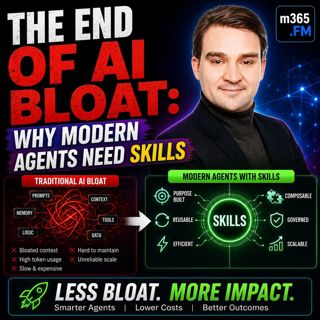
The End of AI Bloat: Why Modern Agents Need Skills

The End of AI Bloat: Why Modern Agents Need Skills

Many AI agents start out fast, responsive, and surprisingly intelligent. But after a few months of real-world use, something changes. Response times increase, costs rise, prompts become enormous, and ...

26 Heinä 0s
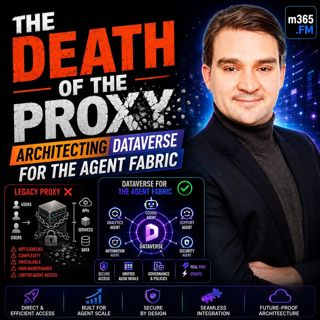
THE DEATH OF THE PROXY: Architecting Dataverse for the Agent Fabric

THE DEATH OF THE PROXY: Architecting Dataverse for the Agent Fabric

For years, Microsoft's recommended architecture for connecting AI assistants like Claude Desktop to Dataverse relied on a local STDIO proxy. It was simple, easy to install, and perfectly suited for in...

26 Heinä 0s
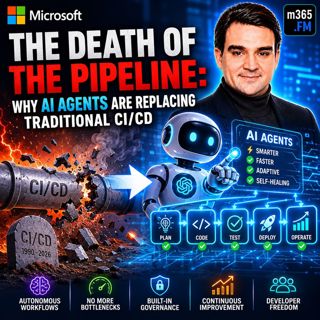
The Death of the Pipeline: Why AI Agents are Replacing Traditional

The Death of the Pipeline: Why AI Agents are Replacing Traditional

For more than two decades, CI/CD pipelines have been the backbone of modern software delivery. Developers commit code, automated builds run, tests execute, security scans complete, someone approves th...

25 Heinä 0s
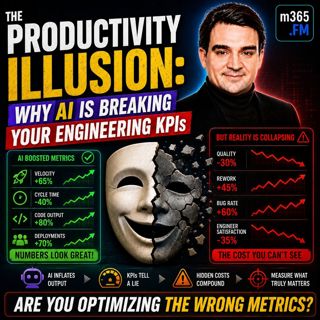
The Productivity Illusion: Why AI is Breaking Your Engineering KPIs

The Productivity Illusion: Why AI is Breaking Your Engineering KPIs

At first glance, the numbers look incredible. Deployment frequency is increasing, pull requests are being merged faster than ever, AI is generating more code, and engineering teams appear dramatically...

25 Heinä 0s
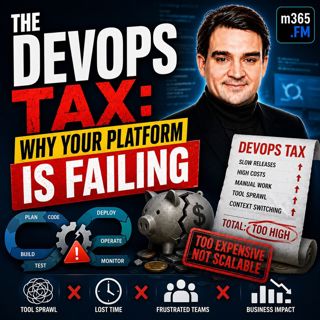
The DevOps Tax: Why Your Platform is Failing

The DevOps Tax: Why Your Platform is Failing

Welcome to another episode of Knowledge Nuggets with Mirko Peters. Today we're exploring The DevOps Tax—the hidden cost that silently reduces engineering productivity, increases cognitive overload, an...

25 Heinä 0s
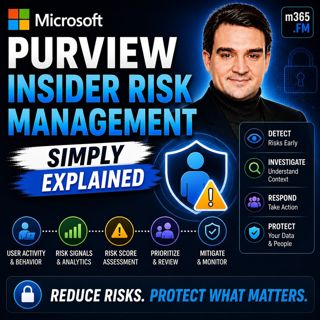
Microsoft Purview Insider Risk Management - Simply Explained

Microsoft Purview Insider Risk Management - Simply Explained

Welcome to another episode of Knowledge Nuggets with Mirko Peters. Today we're exploring Microsoft Purview Insider Risk Management, Microsoft's intelligent solution for identifying risky user behavior...

24 Heinä 0s
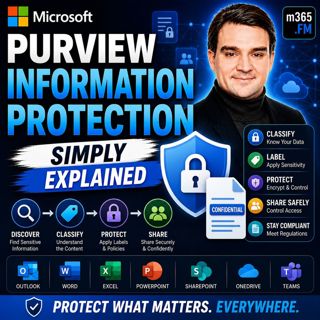
Microsoft Purview Information Protection - Simply Explained

Microsoft Purview Information Protection - Simply Explained

Welcome to another episode of Knowledge Nuggets with Mirko Peters. Today we're exploring Microsoft Purview Information Protection, the foundation of Microsoft's data classification and protection stra...

24 Heinä 0s

Suosittua kategoriassa Politiikka ja uutiset

aikalisa
uutiscast
ootsa-kuullut-tasta-2
rss-ootsa-kuullut-tasta
otetaan-yhdet
rss-seksicast
rss-podme-livebox
rss-vaalirankkurit-podcast
aihe
rikosmyytit
tervo-halme
rss-girls-finish-f1rst
politiikan-puskaradio
et-sa-noin-voi-sanoo-esittaa
rss-mina-ukkola
rss-raha-talous-ja-politiikka
rss-asiastudio
rss-varsinaista-puhetta