Copilot Studio governance: use Purview and Power Platform DLP to stop AI agents from leaking internal data

Copilot Studio governance: use Purview and Power Platform DLP to stop AI agents from leaking internal data

Copilot Studio governance: in this episode of M365.fm, Mirko Peters explains why your Copilot agents are quietly over‑sharing internal data—and how to use Microsoft Purview and Power Platform DLP to put them on a strict least‑privilege diet. He starts with the “eager intern with a master key” problem: every agent runs with the invoking user’s token, happily roaming through SharePoint, Outlook, and Dataverse wherever that user has access, then surfacing confidential context in otherwise innocent answers.

Mirko walks through how this inheritance actually works. Copilot Studio does not create a new identity by default; it impersonates the user, borrowing their permissions across connectors and environments. That design keeps UX simple but creates a gray zone where tenant‑level policies feel in place while agents operate in a “service context” that sidesteps classic app governance. The result is context leakage by paraphrase rather than file download, the kind of subtle oversharing auditors call “inference” and admins struggle to detect in logs.

From there, he dissects how data flows through a single Copilot query. A question jumps from the chat surface into connectors, then into runtime and analytics, touching multiple services and audit systems along the way. Standard, Premium, and Custom connectors each open different doors; mixed classifications in a single environment can turn a harmless prototype into a production‑grade exfiltration path when Business and Non‑Business connectors are allowed to talk. Mirko explains why per‑environment DLP, cloned without discipline, makes “we have tenant‑wide DLP” a dangerous illusion.

The episode then focuses on repair instead of fear. Mirko lays out how to design layered DLP policies that classify connectors correctly, block risky combinations, and treat Custom connectors as quarantine until proven safe. He emphasizes automating policy rollout across environments, enforcing consistent connector groupings, and using managed identities for agents that genuinely need service‑level access so they stop piggybacking on interactive user tokens. The goal is not fewer capabilities, but predictable corridors where data may and may not flow.

Finally, he reveals the “one DLP rule most admins skip”: guarding the analytics and logging layer, not just the live connectors. Copilot Studio’s conversation analytics and telemetry can retain sensitive snippets outside the places your compliance diagrams usually cover. Mirko shows how to bring those stores under Purview’s lens, align their geography with your data residency requirements, and ensure the agent’s memory is governed as strictly as its real‑time access. By the end, you have a concrete model to turn Copilot Studio from an enthusiastic leaker into a disciplined, policy‑aware assistant.

WHAT YOU WILL LEARN
  • Why Copilot Studio agents inherit user permissions and how that causes silent oversharing.
  • How data actually moves through connectors, runtime, and analytics when someone chats with an agent.
  • How Power Platform DLP really works at the environment‑connector intersection.
  • How to design and roll out layered DLP, including safe handling of Custom connectors.
  • The often‑forgotten DLP and Purview controls for Copilot analytics and telemetry data.
THE CORE INSIGHT

Your Copilot agents are not misbehaving; they are perfectly following overly generous rules. Once you align identities, connectors, environments, and analytics under real DLP and Purview governance, Copilot Studio stops acting like an unsupervised intern with every key and starts behaving like a well‑trained, policy‑aware colleague.

WHO THIS EPISODE IS FOR

This episode is ideal for Power Platform admins, security and compliance teams, and architects rolling out Copilot Studio across Microsoft 365. It is especially valuable if you are excited about AI agents but worried about data leakage, regulatory exposure, or explaining to auditors how chatbots got access to information no one intended them to see.

ABOUT THE HOST

Mirko Peters is a Microsoft 365 and security consultant focused on building governed AI experiences with Copilot Studio, Microsoft Purview, Entra ID, and the Power Platform. Through M365.fm, he shares practical governance patterns and real‑world stories that help organizations enjoy AI innovation without turning their data estate into an uncontrolled playground.


Become a supporter of this podcast: https://www.spreaker.com/podcast/m365-fm-modern-work-security-and-productivity-with-microsoft-365--6704921/support.

Tämä jakso on lisätty Podme-palveluun avoimen RSS-syötteen kautta eikä se ole Podmen omaa tuotantoa. Siksi jakso saattaa sisältää mainontaa.

Jaksot(814)

From AI Hype to AI Harness Engineering – Building AI That People Can Actually Trust with Alan Buscaglia [MVP] from Gentleman Programming

From AI Hype to AI Harness Engineering – Building AI That People Can Actually Trust with Alan Buscaglia [MVP] from Gentleman Programming

Artificial Intelligence is evolving rapidly, but building AI that organizations can actually trust requires far more than choosing the latest language model. In this episode of the M365.fm podcast, Mi...

20 Heinä 0s
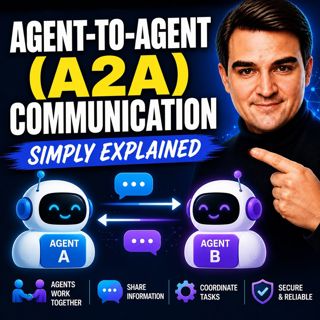
Agent-to-Agent (A2A) Communication - Simply Explained

Agent-to-Agent (A2A) Communication - Simply Explained

Welcome to another episode of Knowledge Nuggets with Mirko Peters. In this episode, we're exploring Agent-to-Agent (A2A) Communication, the open protocol that allows AI agents to discover one another,...

20 Heinä 18min
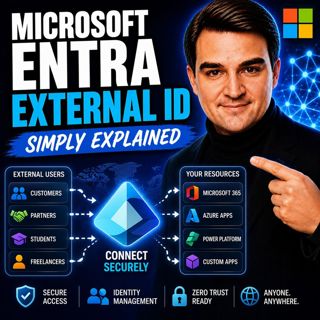
Microsoft Entra External ID - Simply Explained

Microsoft Entra External ID - Simply Explained

Welcome to another episode of Knowledge Nuggets with Mirko Peters. In this episode, we're exploring Microsoft Entra External ID, Microsoft's modern Customer Identity and Access Management (CIAM) platf...

20 Heinä 14min
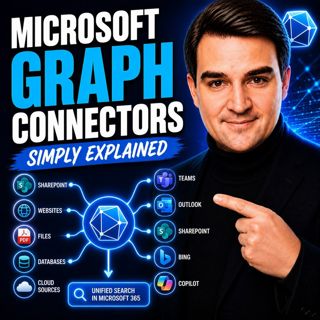
Microsoft Graph Connectors - Simply Explained

Microsoft Graph Connectors - Simply Explained

Welcome to another episode of Knowledge Nuggets with Mirko Peters. In this episode, we're exploring Microsoft Graph Connectors, now increasingly referred to as Microsoft Copilot Connectors. While Micr...

20 Heinä 15min
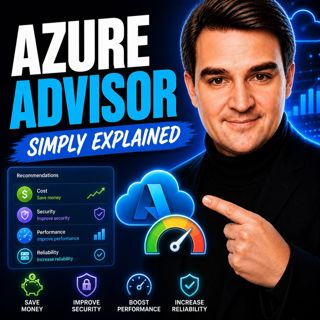
Azure Advisor - Simply Explained

Azure Advisor - Simply Explained

Welcome to another episode of Knowledge Nuggets with Mirko Peters. In this episode, we're exploring Azure Advisor, Microsoft's free optimization service that continuously analyzes your Azure environme...

20 Heinä 15min
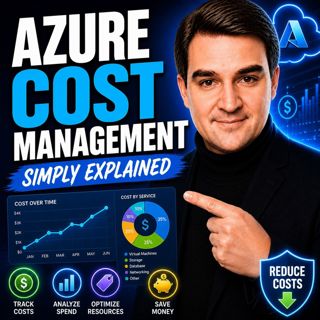
Azure Cost Management - Simply Explained

Azure Cost Management - Simply Explained

Welcome to another episode of Knowledge Nuggets with Mirko Peters. In this episode, we're exploring Azure Cost Management, Microsoft's built-in solution for monitoring, analyzing, controlling, and opt...

20 Heinä 18min
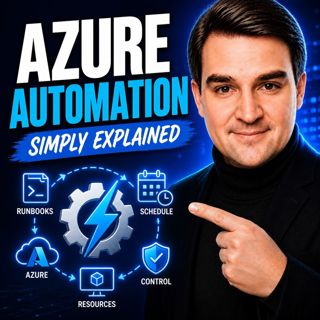
Azure Automation - Simply Explained

Azure Automation - Simply Explained

Welcome to another episode of Knowledge Nuggets with Mirko Peters. In this episode, we're exploring Azure Automation, Microsoft's cloud service for automating repetitive IT tasks across Azure and hybr...

20 Heinä 15min
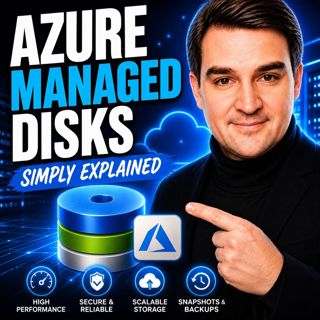
Azure Managed Disks - Simply Explained

Azure Managed Disks - Simply Explained

Welcome to another episode of Knowledge Nuggets with Mirko Peters. In this episode, we're exploring Azure Managed Disks, the storage technology that powers every Azure Virtual Machine. While many peop...

20 Heinä 15min

Suosittua kategoriassa Politiikka ja uutiset

aikalisa
uutiscast
ootsa-kuullut-tasta-2
rss-ootsa-kuullut-tasta
rss-vaalirankkurit-podcast
rss-podme-livebox
rss-seksicast
otetaan-yhdet
politiikan-puskaradio
aihe
tervo-halme
rss-girls-finish-f1rst
et-sa-noin-voi-sanoo-esittaa
rss-kovin-paikka
viela-yksi-sivu
the-ulkopolitist
rss-sveriges-radio-finska
rss-kaikki-uusiksi
rss-fingo-podcast
rss-raha-talous-ja-politiikka