Copilot Studio vs Teams Toolkit: Architecture, Grounding & How To Take Copilot From Demo To Production

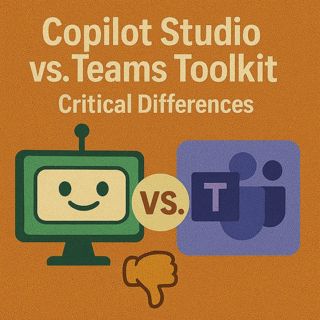
Copilot Studio vs Teams Toolkit: Architecture, Grounding & How To Take Copilot From Demo To Production

Rolling out Microsoft 365 Copilot, extending it with custom agents, choosing between Copilot Studio and Teams Toolkit, and hardening governance – this episode is for people searching “Copilot Studio vs Teams Toolkit”, “extend Microsoft 365 Copilot with agents”, “Copilot governance monitoring Purview”, “Copilot skills connectors licensing” or “Copilot deployment framework”. If Copilot currently feels like a legendary item with only the starter kit attached, this conversation shows you how to pick the right weapon, ground it in real data, and keep it stable under production pressure instead of stopping at a shiny POC.

We start with the most common trap: treating your first Copilot or agent build as the final boss fight instead of the tutorial. In dev, prompts behave, demos are clean, and it all looks easy—until you point the same build at production systems with live SharePoint, Exchange, Graph and external connectors. You’ll hear why scalability, stale grounding, compliance and monitoring become the real “boss monsters”, how the Copilot control system, diagnostic logs, Purview, sensitivity labels and identity guardrails decide whether your build survives, and why governance isn’t a side quest you can bolt on later without pain.

From there, we dive into the architecture behind the magic: foundation model, orchestrator, grounding and skills. We break down what Microsoft 365 Copilot gives you out of the box, where grounding to SharePoint, Dataverse and other sources comes in, and how custom skills and connectors plug into that stack. Then we tackle the critical fork in the road: Copilot Studio vs. Teams Toolkit (Microsoft 365 Agents Toolkit). You’ll learn when to pick low‑code, admin‑friendly Studio for maker scenarios and internal workflows, when to reach for full‑code Toolkit to build deep, custom orchestration and cross‑channel agents, and how licensing and Copilot entitlements influence what grounding options are even available-

We also explore why ungrounded skills and agents quickly turn into “confident parrots”, fabricating policy details or business logic with no tether to your real systems. Using practical examples, we show how to feed agents with the right knowledge sources and connectors so they stop guessing and start citing. Finally, we zoom out into operations: monitoring, telemetry, ownership and cost. You’ll get a practical lens for treating agents as operational systems, not throwaway demos—defining who owns connectors, who watches health and token usage, how to use admin center controls and Purview signals, and how to keep your environment from devolving into a sprawl of unsupervised mini‑bots chewing through budget and trust.

WHAT YOU WILL LEARN
  • Why a Copilot or agent that works in dev often breaks under real production conditions.
  • How foundation model, orchestrator, grounding and skills fit together in the Copilot stack.
  • When to choose Copilot Studio vs. Teams Toolkit to extend Microsoft 365 Copilot.
  • How licensing and entitlements affect which grounding and connector options you actually have.
  • Why ungrounded agents become confident parrots and how proper grounding fixes that.
  • How to design governance, monitoring and Purview‑backed oversight from day one.
  • Why agents must be treated as operational systems with owners, health checks and cost control.
  • A simple decision and rollout framework for moving from POC builds to production‑ready agents.
THE CORE INSIGHT

The core insight of this episode is that building your first Copilot extension isn’t the victory screen—it’s level one. Once you understand the architecture, pick the right tool (Studio or Toolkit), ground your agents in real data and wire in monitoring, Purview and governance, you turn Copilot from a flashy prototype into a reliable operator that can handle real workloads without surprising security, compliance or finance.

WHO THIS IS FOR
  • Platform and engineering teams extending Microsoft 365 Copilot with custom agents.
  • Power users and makers deciding whether Copilot Studio is “enough” for their scenarios.
  • Architects and security/compliance leads defining Copilot governance and monitoring.
  • Product owners planning Copilot‑powered workflows across SharePoint, Teams and line‑of‑business apps.
  • Anyone stuck between Studio and Toolkit and worried about picking the wrong weapon for the fight.
ABOUT THE HOST

Mirko Peters is a Microsoft 365 consultant and host of M365.FM, where he explores modern work, security and productivity with Microsoft 365, Copilot and Power Platform. He helps organizations move from “cool Copilot demo” to grounded, governed, observable agent ecosystems that balance innovation speed with compliance, stability and cost transparency.

Become a supporter of this podcast: https://www.spreaker.com/podcast/m365-fm-modern-work-security-and-productivity-with-microsoft-365--6704921/support.

Denne episoden er hentet fra en åpen RSS-feed og er ikke publisert av Podme. Den kan derfor inneholde annonser.

Episoder(795)

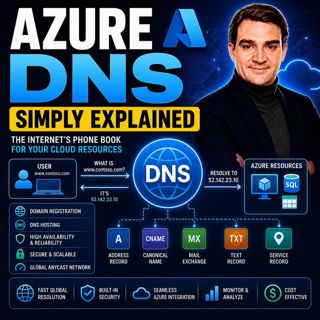
Azure DNS - Simply Explained

Azure DNS - Simply Explained

Azure DNS is Microsoft's fully managed Domain Name System (DNS) hosting service that translates human-friendly domain names like contoso.com into the IP addresses computers use to communicate. Instead...

18 Jul 15min
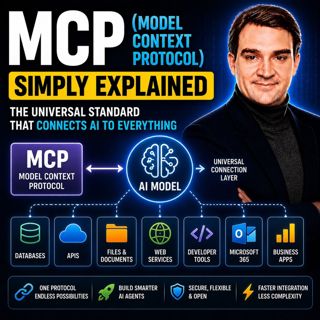
MCP (Model Context Protocol) - Simply Explained

MCP (Model Context Protocol) - Simply Explained

The Model Context Protocol (MCP) is an open standard that allows AI models to securely connect to external tools, applications, and data sources using a single, consistent protocol. Before MCP, every ...

17 Jul 15min
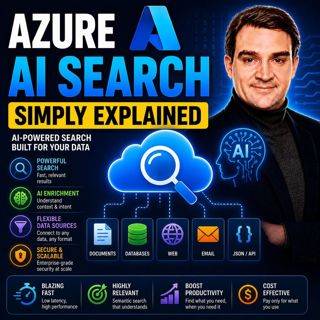
Azure AI Search – Simply Explained

Azure AI Search – Simply Explained

Azure AI Search is Microsoft's fully managed cloud search service that helps developers build fast, intelligent, and AI-powered search experiences for applications, websites, and enterprise systems. U...

17 Jul 13min
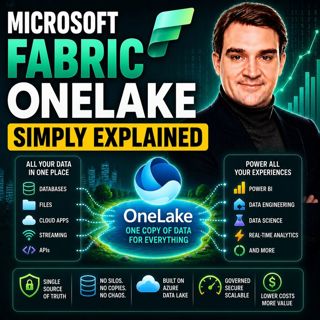
Microsoft Fabric OneLake - Simply Explained

Microsoft Fabric OneLake - Simply Explained

Microsoft Fabric OneLake is the unified storage layer at the heart of Microsoft Fabric, designed to eliminate one of the biggest challenges in modern analytics: data duplication. Instead of every depa...

17 Jul 14min
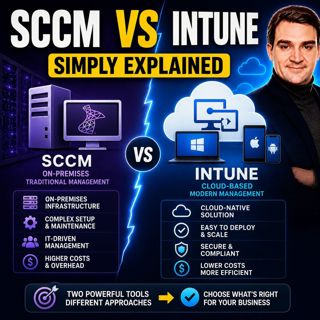
SCCM vs Intune - Simply Explained

SCCM vs Intune - Simply Explained

SCCM (System Center Configuration Manager), now officially known as Microsoft Endpoint Configuration Manager (MECM), and Microsoft Intune are two of Microsoft's most important endpoint management solu...

17 Jul 16min
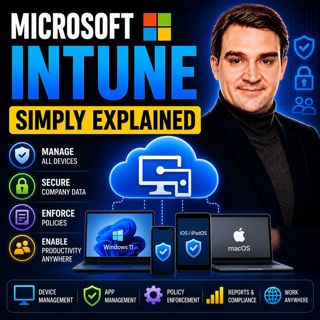
Microsoft Intune - Simply Explained

Microsoft Intune - Simply Explained

Microsoft Intune is Microsoft's cloud-based endpoint management platform that allows organizations to securely manage laptops, desktops, smartphones, tablets, and applications from a single web-based ...

17 Jul 12min
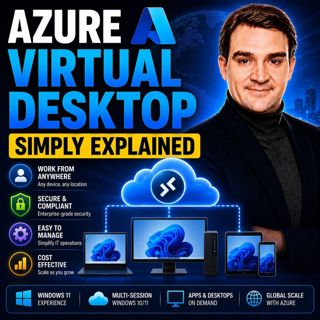
Azure Virtual Desktop - Simply Explained

Azure Virtual Desktop - Simply Explained

Azure Virtual Desktop (AVD) is Microsoft's cloud-based desktop virtualization platform that delivers a complete Windows desktop and business applications securely from Azure to virtually any device. I...

17 Jul 18min
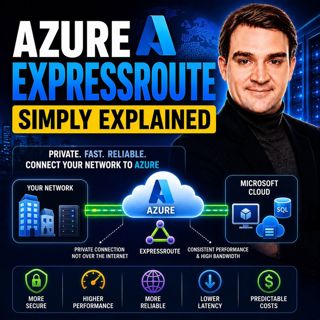
Azure ExpressRoute - Simply Explained

Azure ExpressRoute - Simply Explained

Azure ExpressRoute is Microsoft's private network connection service that links your on-premises infrastructure directly to Microsoft's global cloud network without using the public internet. Instead ...

17 Jul 13min

Populært innen Politikk og nyheter

giver-og-gjengen-vg
aftenpodden
aftenpodden-usa
fotballpodden-2
forklart
stopp-verden
popradet
rss-gukild-johaug
det-store-bildet
hanna-de-heldige
rss-ness
aftenbla-bla
nokon-ma-ga
dine-penger-pengeradet
rss-penger-polser-og-politikk
bt-dokumentar-2
lydartikler-fra-aftenposten
rss-utenrikskomiteen-med-bogen-og-grasvik
e24-podden
unitedno