Copilot Settings Microsoft Won’t Explain: Hidden Web Access, Licensing Pitfalls and Governance Controls in Microsoft 365

Copilot Settings Microsoft Won’t Explain: Hidden Web Access, Licensing Pitfalls and Governance Controls in Microsoft 365

Copilot isn’t just a shiny toggle—it’s a constantly changing mix of permissions, plugins and licenses that can quietly open gaps in control if you don’t stay on top of the settings Microsoft barely mentions. In this episode, we walk through the hidden switches that decide what Copilot can see, which users get real value, and where your governance story silently breaks: web access controls, licensing landmines, browser limitations, Loop and DLP blind spots, and the early foundations you need for future Copilot agents.

We start with the web access switch, the small setting that has an outsized impact on how Copilot behaves. Out of the box, many tenants allow Copilot to blend public web content with internal knowledge, which looks great in demos but blurs the line between company‑vetted information and whatever it finds on the internet. You’ll learn how to actually locate and test this control in your own admin center, how to see what external content looks like in Outlook and Word prompts, and how to make an intentional decision—enable, disable or restrict—based on your risk profile instead of just inheriting Microsoft’s default.

Then we dive into licensing, where most Copilot rollouts quietly leak money and adoption. We cover how seats often get assigned by hierarchy instead of workflow, why utilization is frequently far below what you’ve purchased, and how to treat licenses as a flexible pool instead of a one‑time allocation. You’ll see how regular reviews of your admin reports let you reclaim idle seats, move them to power users who live in Word, Excel and Teams, and keep up with Microsoft’s evolving plans without ripping Copilot away from people mid‑project. The goal is to turn licensing from a hidden landmine into a controlled lever you can adjust as adoption and features change.

Finally, we connect these hidden settings to a broader governance checklist. We talk about Edge and browser limitations that confuse users, Loop and DLP gaps that can surprise compliance teams, and what you should prepare now so Copilot agents don’t arrive in an environment with unclear ownership. By the end, you’ll have a concrete action list: which Copilot switches to find and test this week, which reports to check monthly, and how to communicate changes so users understand not just that Copilot behaves differently, but why you made those choices.

WHAT YOU’LL LEARN
  • The hidden web access switch that decides how much public content Copilot can blend into answers.
  • How licensing mistakes waste budget and fragment Copilot adoption across your organization.
  • Where browser, Loop and DLP quirks create blind spots in your Copilot governance story.
  • A practical checklist to review Copilot settings regularly instead of trusting defaults.
THE CORE INSIGHT

The core insight of this episode is that Copilot risk and value aren’t determined by magic—they’re determined by a handful of settings and license decisions that most admins only see once. Once you treat those controls as living levers you revisit on purpose, not one‑time setup screens, Copilot becomes something you can actually govern, optimize and explain to your leadership team.

WHO THIS EPISODE IS FOR
  • Microsoft 365 and Copilot admins configuring policies, plugins and licenses.
  • Security, compliance and governance teams worried about “invisible” Copilot behavior.
  • IT leaders who signed off on Copilot spend and now need to prove both control and ROI.
ABOUT THE AUTHOR / HOST

Mirko Peters is a Microsoft 365, Copilot and governance consultant and host of the M365.FM podcast, helping organizations turn Copilot from a black box into a controllable, optimizable part of their digital workplace. He works with teams on Microsoft 365, Purview and Entra ID to design Copilot settings, licensing and oversight strategies so admins stay ahead of Microsoft’s changes instead of discovering risks and wasted seats months after rollout.

Become a supporter of this podcast: https://www.spreaker.com/podcast/m365-fm-modern-work-security-and-productivity-with-microsoft-365--6704921/support.

Denne episoden er hentet fra en åpen RSS-feed og er ikke publisert av Podme. Den kan derfor inneholde annonser.

Episoder(757)

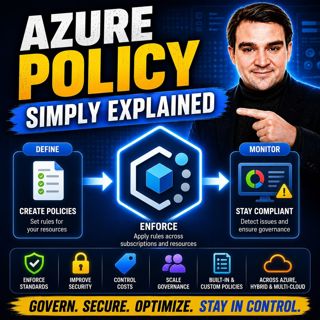
Azure Policy - Simply Explained

Azure Policy - Simply Explained

As organizations move to the cloud, governance becomes one of the biggest challenges they face. In traditional datacenters, infrastructure teams reviewed every server request before anything was deplo...

16 Jul 14min
Azure Monitor — Simply Explained

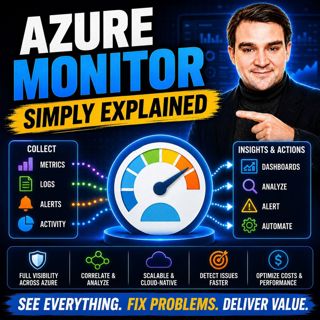
Azure Monitor — Simply Explained

Keeping modern cloud environments running reliably requires far more than checking whether a server is online. Today's organizations operate virtual machines, applications, databases, containers, iden...

16 Jul 14min
Azure Logic Apps - Simply Explained

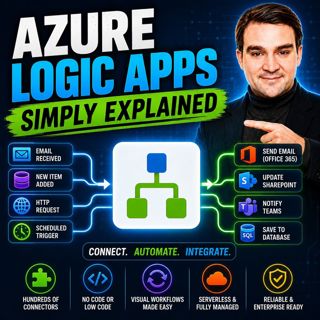
Azure Logic Apps - Simply Explained

Connecting business applications has traditionally required custom development, complex integrations, and weeks of engineering effort. Azure Logic Apps changes that by providing a cloud-native workflo...

16 Jul 15min
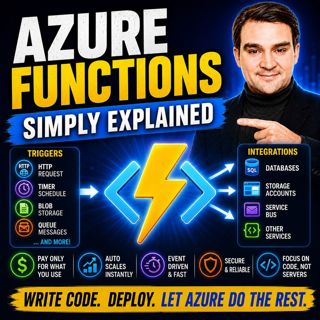
Azure Functions - Simply Explained

Azure Functions - Simply Explained

Serverless is one of the most talked-about concepts in cloud computing, yet it's also one of the most misunderstood. Many developers assume "serverless" means there are no servers involved, but the re...

15 Jul 13min
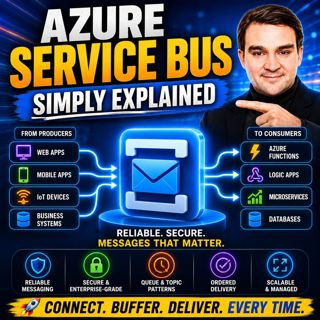
Azure Service Bus - Simply Explained

Azure Service Bus - Simply Explained

Building modern cloud applications isn't just about writing great code—it's about ensuring your applications continue working even when other systems are slow, offline, or temporarily unavailable. In ...

15 Jul 14min
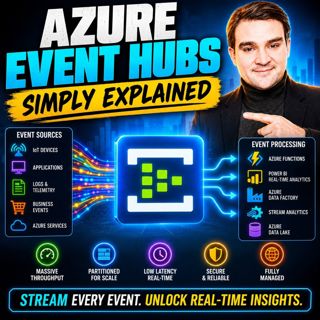
Azure Event Hubs - Simply Explained

Azure Event Hubs - Simply Explained

Modern applications generate an incredible amount of data every second. IoT devices stream telemetry, applications produce logs, websites capture user interactions, and financial systems process milli...

15 Jul 16min

Event Grid - Simply Explained

Event Grid - Simply Explained

Modern cloud applications need to react instantly when something happens. A file is uploaded, a virtual machine is created, or an order is placed—and the right services should respond automatically wi...

15 Jul 14min
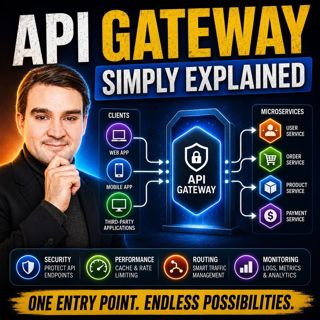
API Gateway - Simply Explained

API Gateway - Simply Explained

Modern applications rarely consist of a single backend anymore. Instead, they're built from dozens of independent services handling authentication, payments, products, users, notifications, and much m...

15 Jul 12min

Populært innen Politikk og nyheter

giver-og-gjengen-vg
aftenpodden-usa
aftenpodden
fotballpodden-2
forklart
stopp-verden
popradet
det-store-bildet
hanna-de-heldige
rss-gukild-johaug
rss-ness
dine-penger-pengeradet
aftenbla-bla
rss-utenrikskomiteen-med-bogen-og-grasvik
lydartikler-fra-aftenposten
nokon-ma-ga
rss-penger-polser-og-politikk
e24-podden
rss-hor-na-krim-2
rss-espen-lee-usensurert