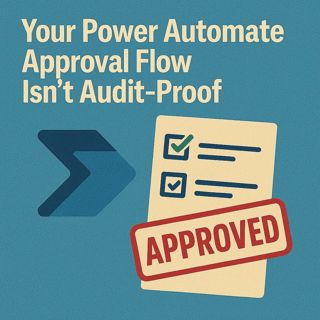
Your Power Automate Approval Flow Isn’t Audit‑Proof: Run History Limits, Logging, Dynamic Approvers & Restartable Workflows

Your Power Automate Approval Flow Isn’t Audit‑Proof: Run History Limits, Logging, Dynamic Approvers & Restartable Workflows

Here’s the catch Microsoft doesn’t highlight: Power Automate’s run history is time‑limited by default, tied to your plan and license—and once that retention window passes, your approval trail is gone as if it never existed. That’s fine for Microsoft’s storage bill, but terrible for audits, investigations, or basic accountability; designing without permanent logging is like deleting your CCTV before anyone checks the footage. In this episode, we break down why run history is only a temporary debugging aid, how to build durable approval logs outside that buffer, and how to redesign flows so you can restart from a specific stage, use dynamic approvers, and keep escalations and reminders under control instead of flooding inboxes.

WHY YOUR FLOW HISTORY VANISHES (AND WHY IT MATTERS)

Power Automate’s run history looks comforting—until you realise it’s a rolling window, not a permanent archive. Retention is defined by your tenant configuration and licensing, so older approvals simply age out: great for cloud housekeeping, disastrous when HR, Legal, or auditors ask for proof from last year and your logs are empty. In the episode, we walk through how to check your real retention window, why screenshots don’t count as evidence, and how to move from trusting ephemeral run logs to writing structured approval records (dates, decisions, actors) into durable stores like Dataverse, SharePoint, or SQL that you actually control.

DESIGNING APPROVAL FLOWS THAT DON’T COLLAPSE

Most approval flows implode because they’re built as thin demos: single‑stage, hard‑coded emails, no state tracking, no restart concept. That works until org structure changes, people leave, or departments demand different rules—then your flow becomes a brittle monster of nested conditions nobody wants to touch. We show how to design for reality instead: store roles instead of individual addresses, look up approvers dynamically from AD, SharePoint, or Dataverse, and keep a persistent “stage” field so you can restart at the correct step without resending the whole process. The result is a modular, restartable approval engine that survives staff changes, rule updates, and errors without forcing you to rebuild from scratch.

ESCALATIONS AND REMINDERS WITHOUT THE SPAM STORM

Bad flows solve stuck approvals with brute force: wave after wave of reminder emails until people start ignoring everything from “Flow Notifications.” We unpack how to replace spam cannons with sane escalation logic—time‑based reminders with clear limits, reassignment rules when someone is away, and escalation paths that go to the right roles instead of everyone in CC. You’ll learn how to use persistent state and logging so you always know where a request is, who’s blocking it, and how to nudge or re‑route it without drowning inboxes.

WHAT YOU’LL LEARN
  • Why Power Automate run history is temporary debugging, not an audit trail you can rely on.
  • How to design permanent approval logs in Dataverse, SharePoint, or SQL with structured fields.
  • How to build multi‑stage, restartable approvals using state tracking instead of one‑off flows.
  • How to replace hard‑coded approver emails with dynamic, role‑based lookups.
  • How to implement escalations and reminders that keep work moving without creating notification fatigue.
THE CORE INSIGHT

The core insight of this episode is that if you rely on default run history, you don’t have an approval record at all—just a temporary trace that disappears on Microsoft’s schedule, not yours. Once you treat logging, state, and role management as first‑class design elements, your Power Automate approvals become restartable, auditable workflows instead of fragile black boxes that crumble the moment someone asks, “Can you prove this was actually approved?”

WHO THIS EPISODE IS FOR
  • Power Automate admins and makers responsible for business‑critical approvals.
  • Compliance, risk, and audit teams who rely on workflow records as evidence.
  • IT and process owners upgrading “V1 demo flows” into production‑grade approval systems.
  • Architects and consultants designing governance patterns for Power Platform workflows.
ABOUT THE AUTHOR / HOST

Mirko Peters is a Microsoft 365 and Power Platform consultant and host of the M365.FM podcast, helping organizations treat Microsoft 365, Power Automate, and Dataverse as one integrated operating system instead of a patchwork of fragile, unlogged flows. He works with teams running on Microsoft 365 and Azure to design approval architectures, logging strategies, and governance so that workflows are restartable, auditable, and resilient instead of disappearing the moment run history rolls off.

Become a supporter of this podcast: https://www.spreaker.com/podcast/m365-fm-modern-work-security-and-productivity-with-microsoft-365--6704921/support.

Det här avsnittet är hämtat från ett öppet RSS-flöde och publiceras inte av Podme. Det kan innehålla reklam.

Avsnitt(780)

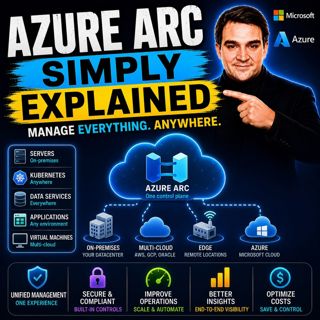
Azure Arc - Simply Explained

Azure Arc - Simply Explained

Modern IT environments rarely exist in a single cloud. Most organizations run Windows and Linux servers across on-premises data centers, Microsoft Azure, Amazon Web Services (AWS), Google Cloud Platfo...

17 Juli 17min
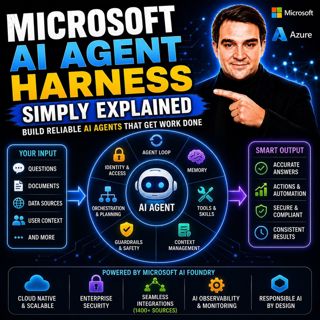
Microsoft AI Agent Harness - Simply Explained

Microsoft AI Agent Harness - Simply Explained

Writing the perfect AI prompt used to be the goal of every AI developer. But as businesses began asking AI to perform increasingly complex tasks—analyzing code, researching topics, coordinating workfl...

17 Juli 16min

Platform Engineering - Simply Explained

Platform Engineering - Simply Explained

For years, DevOps promised to break down the barriers between development and operations by giving teams greater ownership over the software they build. While the idea was powerful, reality became far...

16 Juli 16min

GitOps - Simply Explained

GitOps - Simply Explained

Managing Kubernetes manually quickly becomes a nightmare as environments grow. One engineer updates a deployment directly using kubectl, another changes a ConfigMap through the Azure portal, and sudde...

16 Juli 16min
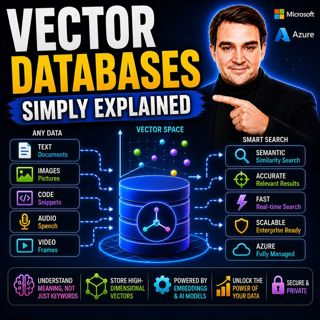
Vector Databases - Simply Explained

Vector Databases - Simply Explained

Large Language Models like GPT-4o, Microsoft Copilot, and ChatGPT are incredibly powerful, but they all depend on one critical technology that most people never hear about: vector databases. Tradition...

16 Juli 14min

RAG on Azure — Simply Explained

RAG on Azure — Simply Explained

Large Language Models like GPT-4o are incredibly powerful, but they have two major limitations. First, their knowledge is frozen in time, meaning they don't automatically know about recent events, cha...

16 Juli 13min

Azure AI Foundry - Simply Explained

Azure AI Foundry - Simply Explained

Artificial Intelligence is evolving faster than almost any other technology, and with new models, frameworks, and AI services appearing almost every month, it's becoming increasingly difficult to know...

16 Juli 14min
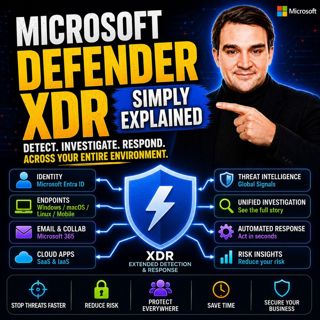
Microsoft Defender XDR - Simply Explained

Microsoft Defender XDR - Simply Explained

Modern cyberattacks rarely target a single system. An attack might begin with a phishing email, move to a compromised device, steal user credentials, access cloud applications, and finally exfiltrate ...

16 Juli 14min

Populärt inom Politik & nyheter

aftonbladet-krim
svenska-fall
p3-krim
rss-krimstad
tv4-nyheterna-story
aftonbladet-daily
flashback-forever
rss-sanning-konsekvens
motiv
de-fyras-gang
rss-krimreportrarna
mannen-utan-spar
rss-vad-fan-hande
rss-frandfors-horna
spar
rss-flodet
rss-aftonbladet-krim
politiken
olyckan-inifran
krimmagasinet

















