Fusion Development with Power Apps and Azure Functions: How to Break Low‑Code Limits Without Breaking Your Architecture

Fusion Development with Power Apps and Azure Functions: How to Break Low‑Code Limits Without Breaking Your Architecture

Most Power Apps projects hit a ceiling the moment you need heavy logic, complex calculations, or deep integration with systems outside Microsoft 365—and that’s exactly where Azure Functions change the game. In this episode, we start from the reality of delegation warnings, slow screens, and CSV workarounds, and show how fusion development lets you keep the low‑code experience users love while offloading serious processing and integrations to serverless code in Azure.

We walk through when Power Apps alone is enough and when you should reach for Azure Functions instead of stretching formulas and flows past their breaking point. You’ll hear concrete scenarios—from proprietary risk models and large‑scale data transforms to calls into legacy ERPs and external APIs—where a slim Power Apps front end, Dataverse as the system of record, and Azure Functions as the “engine room” give you the best of both worlds. Along the way, we talk about how to avoid turning functions into undocumented spaghetti by drawing clear boundaries: interface in Power Apps, structure in Dataverse, heavy lifting in Azure.

From there, we zoom into what really matters once you start wiring these pieces together: secure, reliable communication. Instead of dropping raw function URLs into apps, you’ll learn why managed identities, OAuth, and proper API design are non‑negotiable for protecting sensitive data and keeping auditors happy. We discuss how a single poorly secured endpoint can undermine an otherwise well‑designed solution, and how to design your functions and connectors so tokens, secrets, and data flows stay under control.

By the end, “fusion development” will feel less like a buzzword and more like a practical pattern. You’ll have a clear mental model for when to keep things purely low‑code, when to add targeted custom code with Azure Functions, and how to connect everything in a way that scales, stays supportable, and doesn’t blow up your security model.

WHAT YOU LEARN
  • Where Power Apps and Dataverse hit natural limits with complex logic, scale, or external integrations.
  • How Azure Functions extend Power Apps with custom code for heavy calculations, legacy systems, and third‑party APIs.
  • How to structure fusion solutions so Power Apps handles UX, Dataverse handles data, and Functions handle compute.
  • Why secure communication (managed identities, OAuth, proper API design) is critical once apps call Azure Functions.
  • How to avoid “function sprawl” and keep your fusion architecture maintainable as apps and requirements grow.
CORE INSIGHT

The core insight of this episode is that Power Apps doesn’t have to do everything—it just has to sit on top of an architecture where each component does what it’s best at. When you pair low‑code interfaces and Dataverse with carefully designed Azure Functions behind secure endpoints, fusion development turns Power Apps from a limited form builder into a front end for serious, scalable business systems.

WHO THIS IS FOR
  • Power Apps makers who feel blocked by delegation limits, performance issues, or missing connectors.
  • Developers and architects looking for a clean pattern to bring Azure Functions into Power Platform projects.
  • IT and security teams who want custom code and low‑code to coexist without blowing up governance and access control.
  • Product owners who need business‑critical apps that combine fast delivery with real backend power.
ABOUT THE HOST

Mirko Peters is a Microsoft 365 consultant and podcast host who helps organizations blend low‑code and pro‑code into coherent, governed solutions. He works with teams to design context‑driven architectures on Microsoft 365, Power Platform, and Azure where Power Apps, Dataverse, and Azure Functions share the load instead of fighting each other. In M365.FM, Mirko turns real fusion development projects—successes, mistakes, and all—into practical patterns listeners can copy into their own environments.

Become a supporter of this podcast: https://www.spreaker.com/podcast/m365-fm-modern-work-security-and-productivity-with-microsoft-365--6704921/support.

Tämä jakso on lisätty Podme-palveluun avoimen RSS-syötteen kautta eikä se ole Podmen omaa tuotantoa. Siksi jakso saattaa sisältää mainontaa.

Jaksot(717)

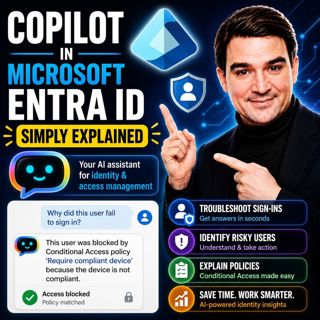
Copilot in Microsoft Entra ID - Simply Explained

Copilot in Microsoft Entra ID - Simply Explained

Managing identities has become one of the most challenging responsibilities for modern IT teams. Every day, organizations process thousands of sign-ins, evaluate Conditional Access policies, detect ri...

13 Heinä 14min
Copilot for Microsoft Fabric - Simply Explained

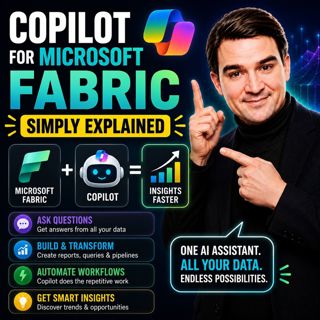
Copilot for Microsoft Fabric - Simply Explained

Microsoft has several Copilots, but each one serves a completely different purpose. Microsoft 365 Copilot helps you write documents and summarize meetings. GitHub Copilot helps developers write code. ...

13 Heinä 11min

Platform Engineering: The New Operating Model for Azure

Platform Engineering: The New Operating Model for Azure

DevOps changed how software is built, but it didn't eliminate complexity—it simply redistributed it. As organizations adopted cloud platforms, Infrastructure as Code, containers, and CI/CD pipelines, ...

13 Heinä 1h 16min
Power BI Copilot - Simply Explained

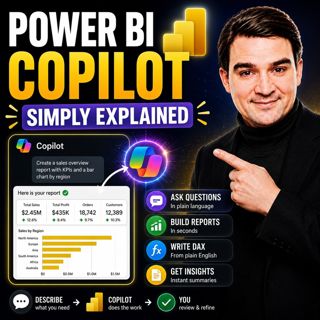
Power BI Copilot - Simply Explained

Power BI Copilot brings generative AI directly into Microsoft's business intelligence platform, helping users build reports, write DAX formulas, analyze data, and generate insights using natural langu...

13 Heinä 11min
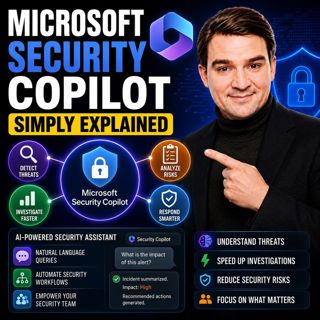
Microsoft Security Copilot - Simply Explained

Microsoft Security Copilot - Simply Explained

Security teams face a common challenge: thousands of security alerts, limited staff, and not enough time to investigate every incident. Most alerts turn out to be harmless, but hidden among them can b...

12 Heinä 13min
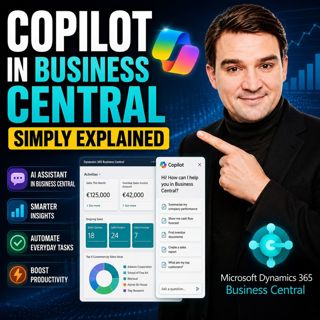
Copilot in Business Central - Simply Explained

Copilot in Business Central - Simply Explained

Microsoft Copilot is becoming a core part of Dynamics 365 Business Central, transforming it from a traditional ERP system into an AI-powered business assistant. Instead of switching between applicatio...

12 Heinä 11min
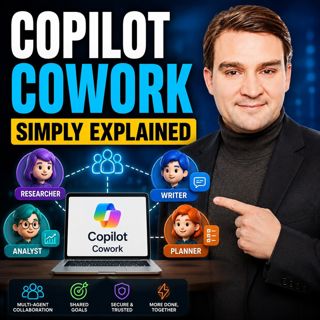
Copilot Cowork - Simply Explained

Copilot Cowork - Simply Explained

Microsoft Copilot changed how we interact with AI by helping us summarize emails, draft documents, and answer questions. But there's still one major problem: you're responsible for connecting everythi...

12 Heinä 13min
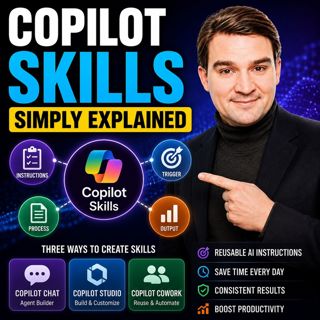
Copilot Skills - Simply Explained

Copilot Skills - Simply Explained

Copilot Skills are one of Microsoft's most important AI building blocks, yet they're also one of the most misunderstood. Depending on which Microsoft product you're using, the same concept appears und...

12 Heinä 13min

Suosittua kategoriassa Politiikka ja uutiset

aikalisa
uutiscast
ootsa-kuullut-tasta-2
rss-ootsa-kuullut-tasta
rss-podme-livebox
otetaan-yhdet
rss-seksicast
politiikan-puskaradio
tervo-halme
aihe
rss-vaalirankkurit-podcast
rss-girls-finish-f1rst
rss-mina-ukkola
rss-aijat-hopottaa-podcast
rss-mita-tapahtuu
rss-merja-mahkan-rahat
rss-raha-talous-ja-politiikka
rss-tekoalyfoorumi
rss-asiastudio
rss-pinnalla