Why Leadership Thinks Copilot Is Useless (And Where The Numbers Back Them Up): Entra vs Insights, Real Telemetry & How To Prove Adoption

Why Leadership Thinks Copilot Is Useless (And Where The Numbers Back Them Up): Entra vs Insights, Real Telemetry & How To Prove Adoption

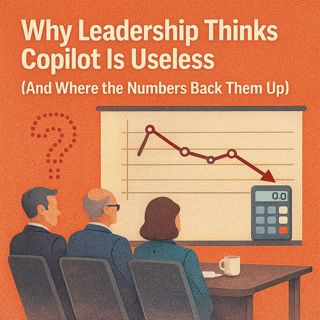
Most organizations quietly assume Copilot is under‑used—not because people hate it, but because the dashboards leadership is staring at are counting the wrong thing. In this episode, we walk through the “gym card swipe” problem: Entra and app sign‑in charts look impressive in a slide deck, yet they only prove that people opened Word or Teams, not that anyone actually used prompts to get work done. You’ll see how that mismatch between identity telemetry and real Copilot behavior fuels the narrative that “nobody uses it,” and how to flip the script by pulling the right usage signals, telling the story in CFO‑ready language, and targeting adoption where the data proves Copilot already helps.

THE CFO’S REPORT DOESN’T LIE – BUT IT’S NOT THE FULL TRUTH

We start with the classic scene: a CFO storms in waving an admin report that says “low Copilot adoption” and demands to know why the spend was approved. The chart isn’t fake, it’s just incomplete—showing app sign‑ins, not Copilot actions. You’ll learn how to explain, in one leadership‑friendly sentence, why a graph of Word sign‑ins is like counting gym check‑ins instead of workouts, and how to defend your rollout without hand‑waving: “sign‑ins show who opened the app; Copilot adoption means prompts and actions, which live in different telemetry.” From there, we outline a concrete plan: verify which Copilot usage reports your tenant actually exposes, enable or request the right Insights where needed, and prep a simple side‑by‑side view—door counts vs real Copilot actions—that resets the conversation from “no one uses this” to “here’s where it actually helps today.”

ENTRA VS INSIGHTS: TWO DASHBOARDS, TWO STORIES

Next, we dissect the “two dashboards” problem that quietly wrecks most adoption slides. Entra (and similar identity views) is brilliant at what it does: tracking who signed in, from where, and on which app—but it is not designed to tell a Copilot ROI story. Insights, by contrast, is where you start seeing behavior: prompt counts, app‑level Copilot activity, and sometimes department‑level patterns depending on your tenant configuration. We walk you through a practical three‑step workflow: confirm which Copilot/Insights telemetry you can see with your admin role, identify at least three dimensions (app, usage volume, department), and build anonymized, aggregated views that leadership can trust without turning adoption reporting into a privacy nightmare. The goal: stop treating door‑logs as productivity metrics and start using behavior data to decide where to invest training and enablement.

WHERE COPILOT CLICKS ACTUALLY HAPPEN

Marketing demos love to show Copilot rewriting entire strategies in PowerPoint, but real usage patterns are much more grounded. In many tenants, Copilot activity clusters in Outlook, Teams, and Word—places where people already spend their day cleaning up emails, writing updates, and fixing phrasing under time pressure. We explain why these “small win” scenarios drive sticky adoption: low risk, high repetition, and immediate payoff. Your job is to validate that pattern against your own tenant—look at which apps show actual Copilot actions, then start enablement there instead of pushing generic, all‑apps training. That shift lets you tailor stories and examples to where people already click, turning Copilot from a theoretical platform feature into something that quietly saves time in the tools they live in.

WHAT YOU’LL LEARN
  • Why leadership‑facing admin charts often mislabel sign‑ins as “Copilot adoption.”
  • How to explain, in plain language, why Entra sign‑in data is a door counter, not a usage log.
  • How to check whether your tenant exposes Copilot Insights or similar behavioral telemetry.
  • How to build side‑by‑side views that compare app sign‑ins vs prompt‑level Copilot activity.
  • How to identify which apps (Outlook, Teams, Word, etc.) actually drive Copilot value in your environment and focus enablement there.
THE CORE INSIGHT

The core insight of this episode is that Copilot isn’t “useless”—your telemetry storytelling might be. As long as leadership only sees identity‑level charts, they’ll assume Copilot is an expensive treadmill nobody runs on; once you surface real prompt and action data, app‑by‑app, you can show where Copilot already changes workflows, where it stalls, and what to fix next. That’s how you move the conversation from defending a license line item to co‑designing a roadmap based on evidence.

WHO THIS EPISODE IS FOR
  • Microsoft 365 and Copilot admins under pressure to “prove” adoption and ROI.
  • CIOs, CFOs, and IT leaders reading conflicting Copilot reports and dashboards.
  • Analytics and BI teams responsible for surfacing Copilot telemetry to leadership.
  • Change and enablement leads designing targeted Copilot training and champions programs.
ABOUT THE AUTHOR / HOST

Mirko Peters is a Microsoft 365 and AI governance consultant and host of the M365.FM podcast, helping organizations treat Microsoft 365, Copilot, and their telemetry as one integrated operating system instead of a mess of dashboards nobody trusts. He works with teams running on Microsoft 365 and Azure to design data‑driven Copilot rollouts—tying licensing, usage, and business outcomes together so conversations with leadership are grounded in real signals, not wishful graphs.

Become a supporter of this podcast: https://www.spreaker.com/podcast/m365-fm-modern-work-security-and-productivity-with-microsoft-365--6704921/support.

Tämä jakso on lisätty Podme-palveluun avoimen RSS-syötteen kautta eikä se ole Podmen omaa tuotantoa. Siksi jakso saattaa sisältää mainontaa.

Jaksot(780)

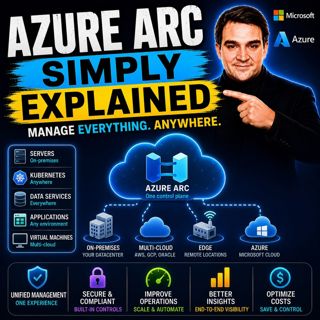
Azure Arc - Simply Explained

Azure Arc - Simply Explained

Modern IT environments rarely exist in a single cloud. Most organizations run Windows and Linux servers across on-premises data centers, Microsoft Azure, Amazon Web Services (AWS), Google Cloud Platfo...

17 Heinä 17min
Microsoft AI Agent Harness - Simply Explained

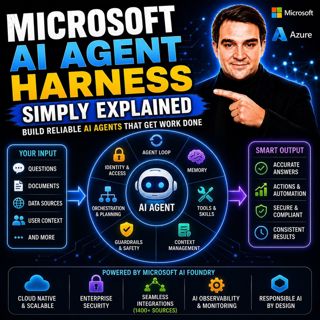
Microsoft AI Agent Harness - Simply Explained

Writing the perfect AI prompt used to be the goal of every AI developer. But as businesses began asking AI to perform increasingly complex tasks—analyzing code, researching topics, coordinating workfl...

17 Heinä 16min
Platform Engineering - Simply Explained

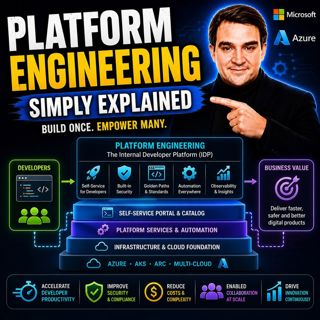
Platform Engineering - Simply Explained

For years, DevOps promised to break down the barriers between development and operations by giving teams greater ownership over the software they build. While the idea was powerful, reality became far...

16 Heinä 16min
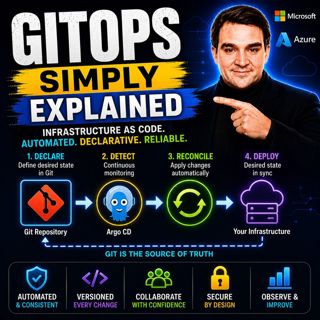
GitOps - Simply Explained

GitOps - Simply Explained

Managing Kubernetes manually quickly becomes a nightmare as environments grow. One engineer updates a deployment directly using kubectl, another changes a ConfigMap through the Azure portal, and sudde...

16 Heinä 16min
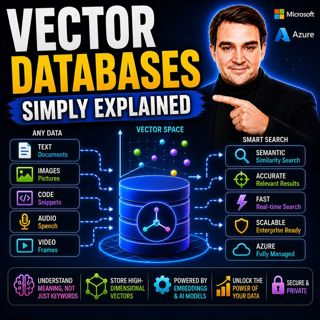
Vector Databases - Simply Explained

Vector Databases - Simply Explained

Large Language Models like GPT-4o, Microsoft Copilot, and ChatGPT are incredibly powerful, but they all depend on one critical technology that most people never hear about: vector databases. Tradition...

16 Heinä 14min
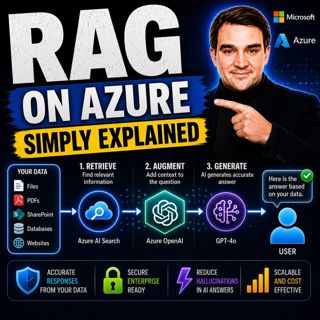
RAG on Azure — Simply Explained

RAG on Azure — Simply Explained

Large Language Models like GPT-4o are incredibly powerful, but they have two major limitations. First, their knowledge is frozen in time, meaning they don't automatically know about recent events, cha...

16 Heinä 13min
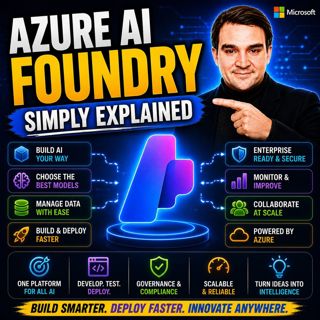
Azure AI Foundry - Simply Explained

Azure AI Foundry - Simply Explained

Artificial Intelligence is evolving faster than almost any other technology, and with new models, frameworks, and AI services appearing almost every month, it's becoming increasingly difficult to know...

16 Heinä 14min
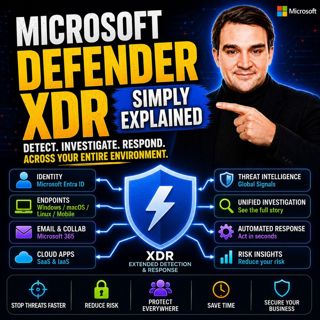
Microsoft Defender XDR - Simply Explained

Microsoft Defender XDR - Simply Explained

Modern cyberattacks rarely target a single system. An attack might begin with a phishing email, move to a compromised device, steal user credentials, access cloud applications, and finally exfiltrate ...

16 Heinä 14min

Suosittua kategoriassa Politiikka ja uutiset

aikalisa
uutiscast
ootsa-kuullut-tasta-2
rss-ootsa-kuullut-tasta
rss-vaalirankkurit-podcast
rss-podme-livebox
rss-seksicast
otetaan-yhdet
tervo-halme
politiikan-puskaradio
aihe
linda-maria
rss-raha-talous-ja-politiikka
viela-yksi-sivu
the-ulkopolitist
mtv-uutiset-polloraati
et-sa-noin-voi-sanoo-esittaa
rss-sveriges-radio-finska
rss-fingo-podcast
rss-girls-finish-f1rst