Power Platform Planner automation: stop dragging tasks and let Copilot do the work

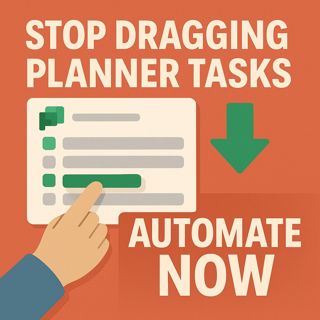
Power Platform Planner automation: stop dragging tasks and let Copilot do the work

(00:00:00) The Problem with Microsoft Planner
(00:00:16) Introducing Copilot Studio
(00:01:56) The Power of Orchestration
(00:04:04) Building Your Planner Agent
(00:08:08) Adding Tools and Functionality
(00:13:50) Deploying to Microsoft 365 Copilot
(00:18:08) Strategy and Limitations
(00:23:08) The Future of Automation

In this episode of M365.fm, Mirko Peters shows how to stop manually dragging Microsoft Planner tasks and instead use Power Platform automation, Copilot Studio, and Power Automate to turn natural language into structured work. He walks through how Planner provides the boards and structure, Copilot adds reasoning and orchestration, and Power Automate acts as the reliable workflow engine that actually executes triggers and rules behind the scenes. You will learn how to combine these three layers so that Copilot interprets intent, calls the right tools, and keeps your plans tidy without you constantly managing buckets and cards by hand.

Mirko explains step by step how to build a dedicated Planner agent in Copilot Studio: from creating the agent (“Task Planner”), writing tight instructions that define scope and tone, to wiring identity and connections with the right Microsoft 365 account that owns your target plan. He highlights why instructions define behavior, tools define capabilities, and why this separation is crucial if you want reliable automation instead of flaky “AI magic.” You will hear how to add Planner tools for creating, listing, and updating tasks, lock Group ID and Plan ID as fixed values, keep titles and due dates dynamic, and use strong tool descriptions so Copilot can parse user intent, summarize long titles, and handle natural language dates like “tomorrow” or “next Friday.”

The episode then covers deployment and governance. Mirko shows how to publish your agent to Microsoft 365 Copilot and Teams, approve the right connections once, and start using prompts like “Create three tasks for next week’s sprint” or “List my open tasks and move everything due today to Friday” directly where your team already works. He shares a practical automation strategy: deterministic triggers stay in Power Automate, interpretive, user‑driven requests go to Copilot, and both are wrapped in solid DLP, RBAC, and monitoring so your automation stays secure and observable. You also get a ready‑to‑use implementation checklist you can copy into your runbooks, from documenting Group and Plan IDs to iterating tool descriptions as you see misfires.

By the end of the episode, you will know how to turn Planner into a voice‑driven task system, where you speak tasks and updates into existence instead of dragging cards across buckets all day. If you own productivity, automation, or Copilot adoption in your organization and want a clear pattern for combining Copilot Studio, Planner, and Power Automate into a sustainable workflow, this conversation gives you the architecture, language, and guardrails you need.

WHAT YOU WILL LEARN
  • How Planner, Copilot Studio, and Power Automate share the work between structure, reasoning, and execution.
  • How to design a Planner agent with clear instructions, tools, and strong tool descriptions.
  • How to wire Group ID and Plan ID, keep titles and duedates dynamic, and parse natural language dates safely.
  • How to deploy your agent to Microsoft 365 Copilot and Teams so commands run where users already work.
  • Which governance moves matter: DLP, RBAC, owner accounts, logging, and monitoring for your workflows.
THE CORE INSIGHT

Planner should not be your workflow engine—Copilot and Power Automate should. Once you let Copilot handle intent, Power Automate handle deterministic rules, and Planner just store tasks, you move from dragging cards to speaking work into existence, with governance and automation baked in from day one.

WHO THIS EPISODE IS FOR

This episode is ideal for Power Platform admins, productivity leads, automation program owners, fusion teams, and anyone responsible for Planner‑based workflows who wants to replace manual task juggling with governed, Copilot‑driven automation. It is especially valuable if you are rolling out Microsoft 365 Copilot and need a concrete, low‑friction use case that shows users real value in their daily task management.

ABOUT THE HOST

Mirko Peters is a Microsoft 365 consultant and digital workplace architect focused on building governed, scalable platforms with Power Platform, Dataverse, Microsoft Fabric, Microsoft Copilot, and modern automation patterns. Through M365.fm, he shares practical governance models, automation blueprints, and real‑world implementation stories that help organizations keep personal productivity fast while ensuring their Power Platform and AI foundations remain secure and ready for serious business workloads.


Become a supporter of this podcast: https://www.spreaker.com/podcast/m365-fm-modern-work-security-and-productivity-with-microsoft-365--6704921/support.

Tämä jakso on lisätty Podme-palveluun avoimen RSS-syötteen kautta eikä se ole Podmen omaa tuotantoa. Siksi jakso saattaa sisältää mainontaa.

Jaksot(847)

Agent Governance Explained- How IT Can Enable the AI Agent Revolution with Thomas Zou [Microsoft]

Agent Governance Explained- How IT Can Enable the AI Agent Revolution with Thomas Zou [Microsoft]

Every organization is talking about AI agents, but very few have a strategy for governing them. In this episode of M365.fm, host Mirko Peters sits down with Thomas Zou, Product Marketing Manager for M...

23 Heinä 0s
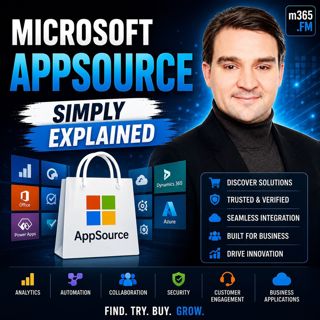
Microsoft AppSource - Simply Explained

Microsoft AppSource - Simply Explained

Welcome to another episode of Knowledge Nuggets with Mirko Peters. Today we're exploring Microsoft AppSource, Microsoft's marketplace for business applications, consulting services, and industry solut...

23 Heinä 0s
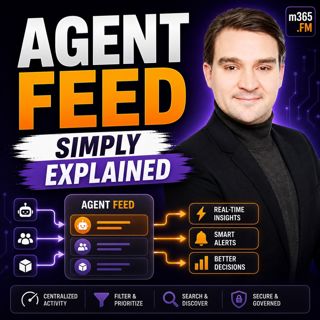
Agent Feed - Simply Explained

Agent Feed - Simply Explained

Welcome to another episode of Knowledge Nuggets with Mirko Peters. Today we're exploring Agent Feed, Microsoft's new supervision experience for AI agents inside Power Apps. As AI agents become capable...

23 Heinä 0s
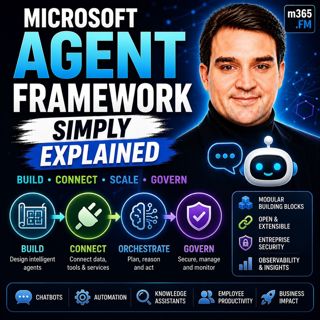
Microsoft Agent Framework - Simply Explained

Microsoft Agent Framework - Simply Explained

Welcome to another episode of Knowledge Nuggets with Mirko Peters. Today we're exploring the Microsoft Agent Framework, Microsoft's unified development framework for building enterprise-ready AI agent...

23 Heinä 0s
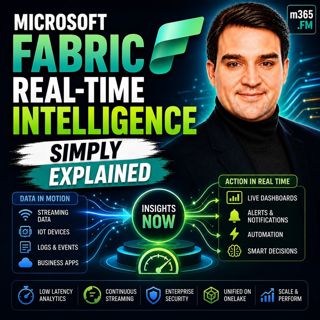
Microsoft Fabric Real-Time Intelligence - Simply Explained

Microsoft Fabric Real-Time Intelligence - Simply Explained

Welcome to another episode of Knowledge Nuggets with Mirko Peters. Today we're exploring Microsoft Fabric Real-Time Intelligence, one of the most exciting workloads inside Microsoft Fabric that enable...

23 Heinä 0s
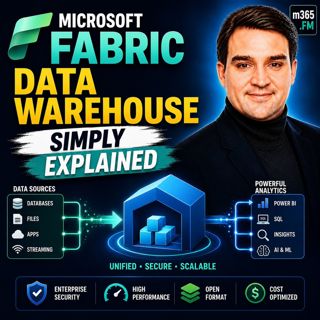
Microsoft Fabric Data Warehouse - Simply Explained

Microsoft Fabric Data Warehouse - Simply Explained

Welcome to another episode of Knowledge Nuggets with Mirko Peters. Today we're exploring Microsoft Fabric Data Warehouse, Microsoft's modern cloud-native data warehouse built as part of the unified Mi...

23 Heinä 0s

Microsoft Fabric Data Factory - Simply Explained

Microsoft Fabric Data Factory - Simply Explained

Moving data has always been one of the most complex parts of building a modern analytics platform. Organizations need to collect information from databases, cloud applications, APIs, files, and enterp...

23 Heinä 0s

Microsoft Fabric - Simply Explained

Microsoft Fabric - Simply Explained

Data has become one of every organization's most valuable assets—but for many businesses, it's scattered across databases, cloud platforms, business applications, and analytics tools. Microsoft Fabric...

22 Heinä 0s

Suosittua kategoriassa Politiikka ja uutiset

aikalisa
uutiscast
ootsa-kuullut-tasta-2
rss-ootsa-kuullut-tasta
rss-seksicast
rss-vaalirankkurit-podcast
otetaan-yhdet
rss-podme-livebox
politiikan-puskaradio
aihe
rikosmyytit
rss-kovin-paikka
tervo-halme
rss-girls-finish-f1rst
et-sa-noin-voi-sanoo-esittaa
rss-kaikki-uusiksi
rss-varsinaista-puhetta